Open source: you can read the code
The browser extension’s code is public on GitHub, so you can see exactly what it does before you install it.
Zerion can never access your recovery phrase or private keys. Independent audits, open extension code, and a live bug bounty are there so you don't have to take our word for it.
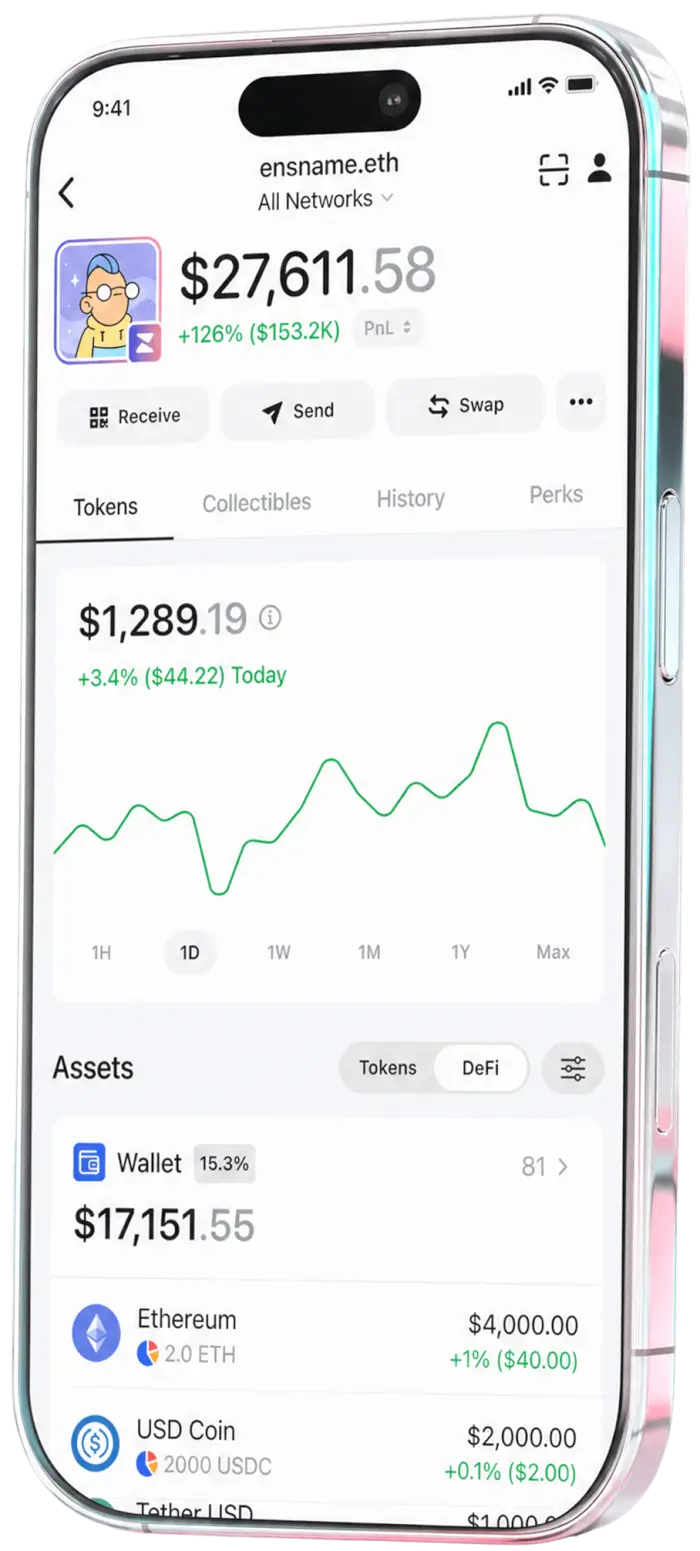
Four independent firms have audited Zerion Wallet, the extension's code is public, and there is no key for us to lose.




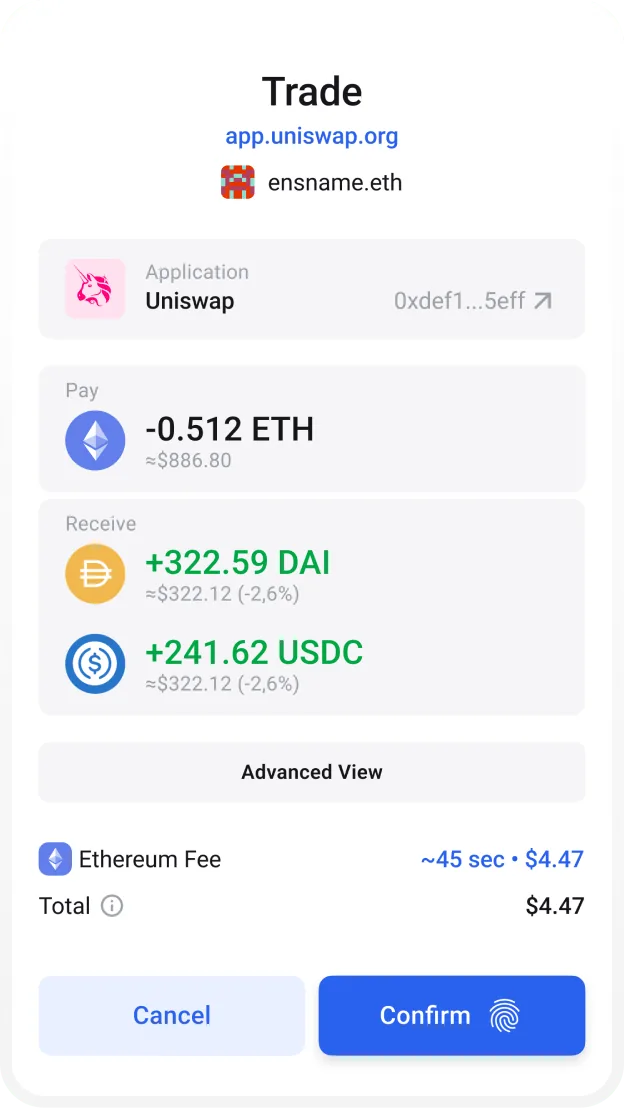
Before you sign
Every transaction is previewed in plain language — from NFT mints to staking — so a malicious message can't hide behind hex.
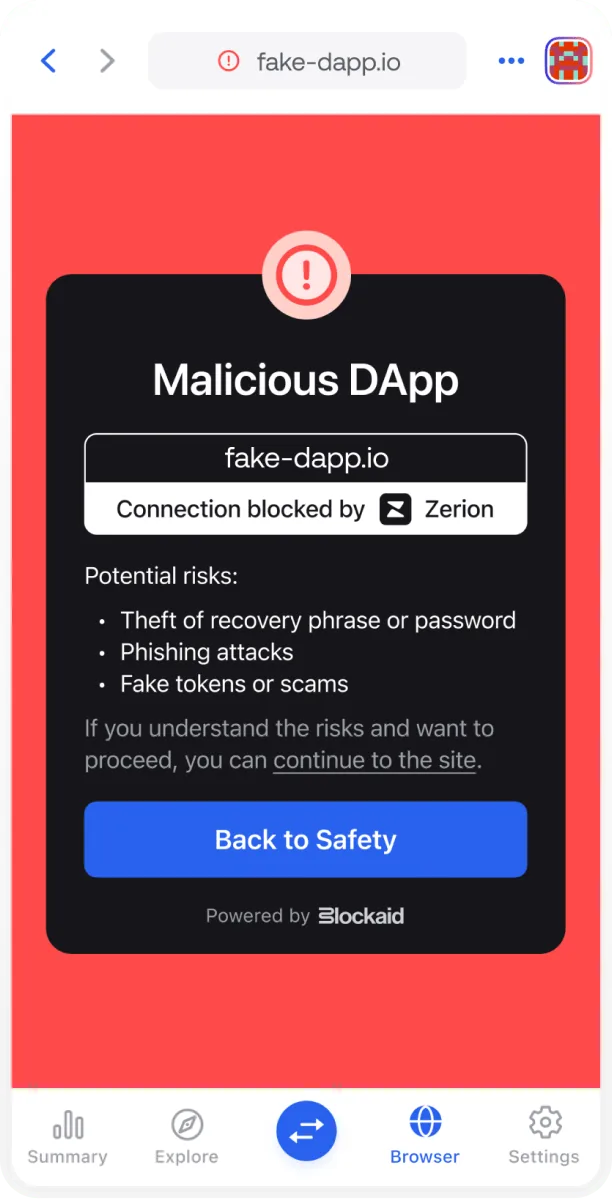
Before you connect
Known phishing sites and malicious apps are flagged automatically, before you connect a wallet to them.
After you approve
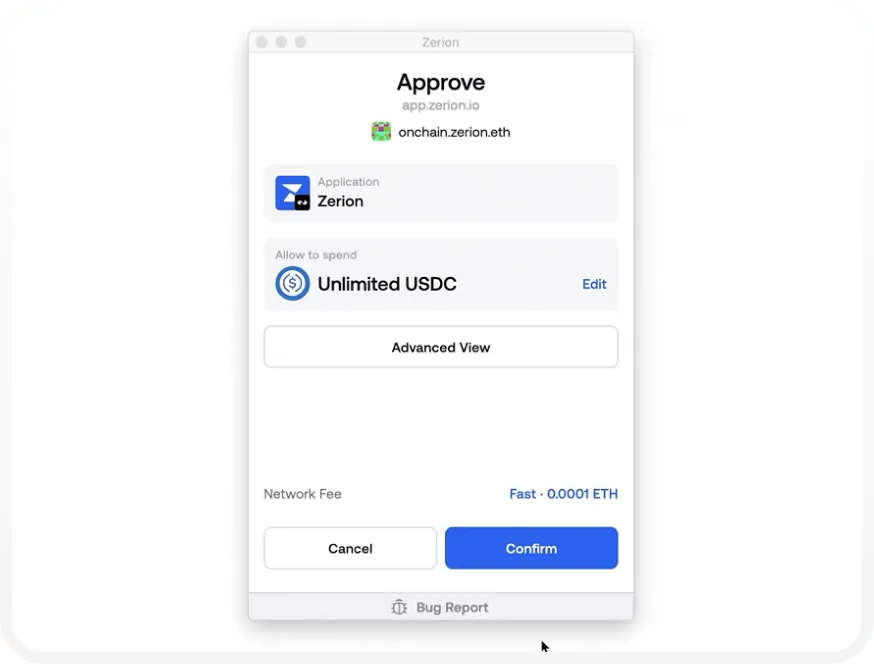
Set your own spending limit on every approval, so no dapp gets more access to your funds than it actually needs.
Self-custody isn't a setting you switch on. It's how the wallet is built, and it's what every other guarantee on this page rests on.
Your recovery phrase is generated on your device and stays there. Zerion can never read it, move your funds, or freeze your wallet.
Your assets live on the blockchain, not with Zerion. No one can suspend your wallet or stop a transaction you've signed.
Back up your recovery phrase to iCloud or Google Drive behind a password only you know — entirely optional, and Zerion can't decrypt it.
Pair a Ledger device to keep your keys in cold storage while still using every Zerion feature on mobile, extension, and web.
There's no account to create and no identity to verify. Download the wallet and it's ready.
Follow any address without importing a key, so you can track a vault or a hardware wallet without exposing it.
Professional security firms audit Zerion Wallet, and the browser extension's code is public so you can read it yourself.



The browser extension’s code is public on GitHub, so you can see exactly what it does before you install it.
Found something the audits missed? Disclose it through our Immunefi program rather than exploiting it, and get rewarded.
Three things you can do the moment a transaction, a token, or the wallet itself doesn't look right.
Read the preview before you approve. If the assets moving aren't the ones you expect, reject it — nothing is signed until you say so.
Flag scam tokens and spam NFTs from inside the app. Reports feed the filters that protect every other Zerion user.
Found a bug in Zerion itself? Report it through our Immunefi program rather than exploiting it, and get rewarded for it.
Open the bounty
The same data layer behind Zerion Wallet is available as an API — portfolios, positions, and transaction history across 42 chains.
Start building →


Non-custodial, independently audited, and yours alone. Download Zerion and keep your keys.
Download Zerion →Self-custody, recovery phrases, and what happens if Zerion disappears.